Update your DMARC Record
Learn how to update your DMARC Record to send DMARC reports to MonitorDMARC
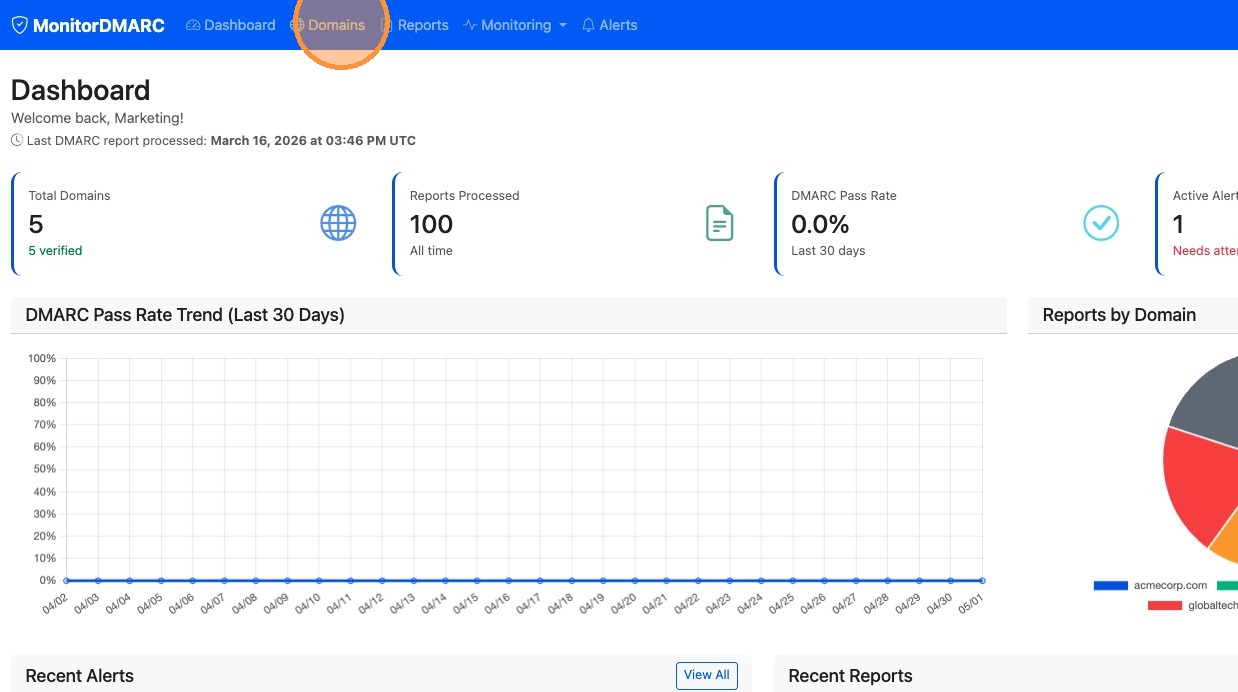
1. Click Domains in navigation bar
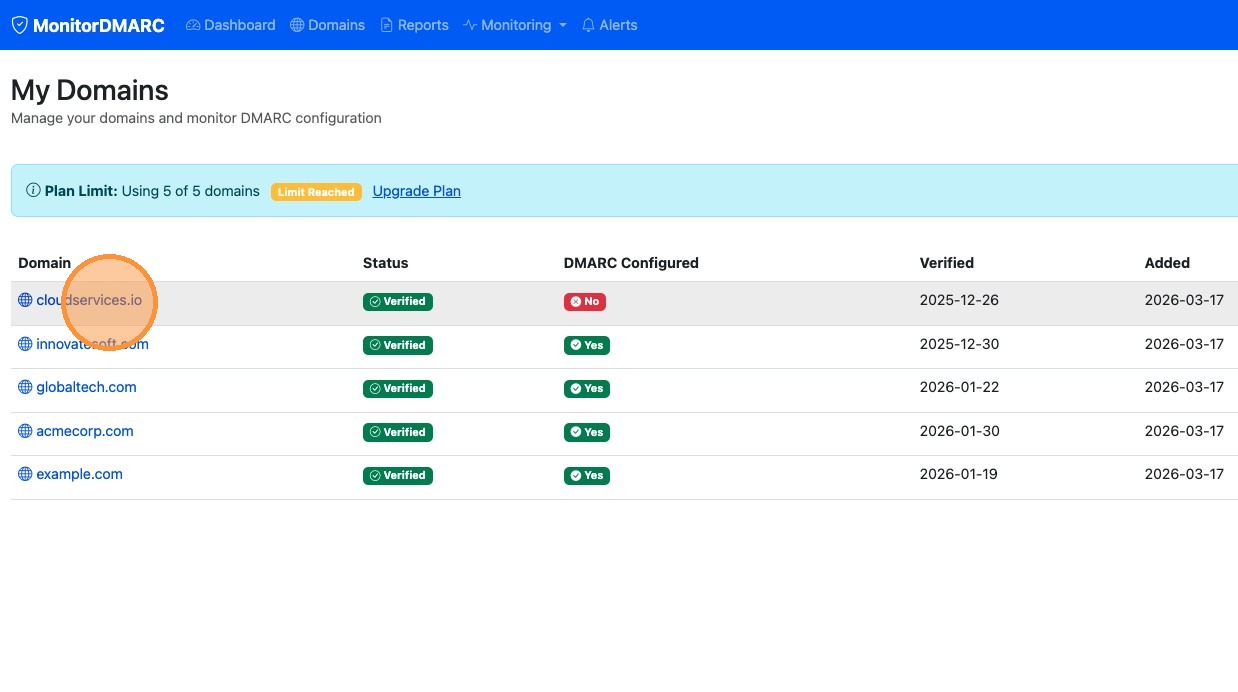
2. Click the domain you want to configure
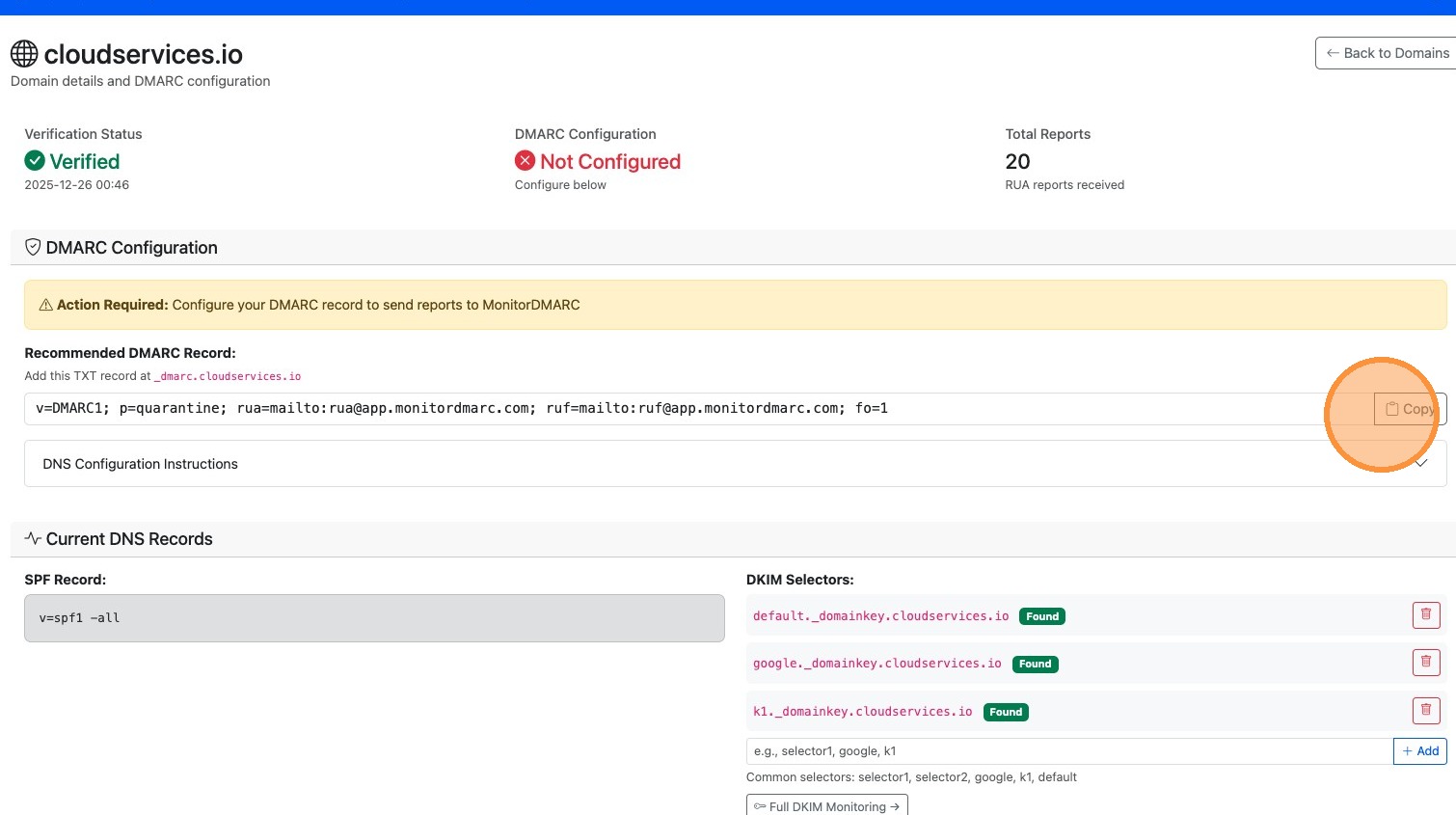
3. In the recommended DMARC Record click the "Copy" button to copy the record to your clipboard.
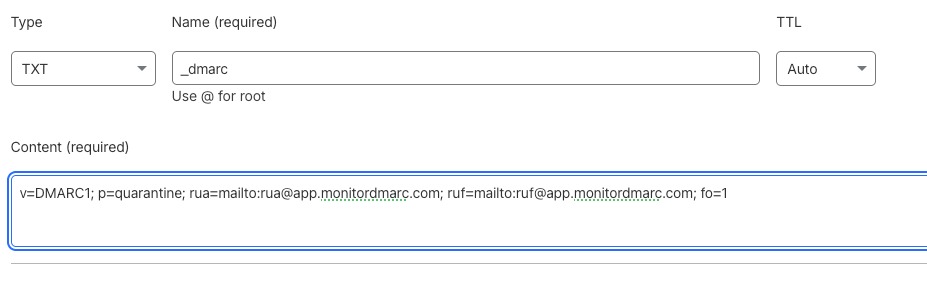
4. Next log in to your DNS Registrar and create TXT Record. The name should be _dmarc and the content is what you copied in the previous step.
5. After that is done you should start receiving DMARC Reports into your MonitorDMARC account within 24 to 48 hours.