Setup DNS Record Monitoring
By default you get DNS Record Monitoring with your MonitorDMARC account. This guide will walk you through making any configuration changes you need.

1. Navigate to 'Monitoring' and select and select any record you want to see.
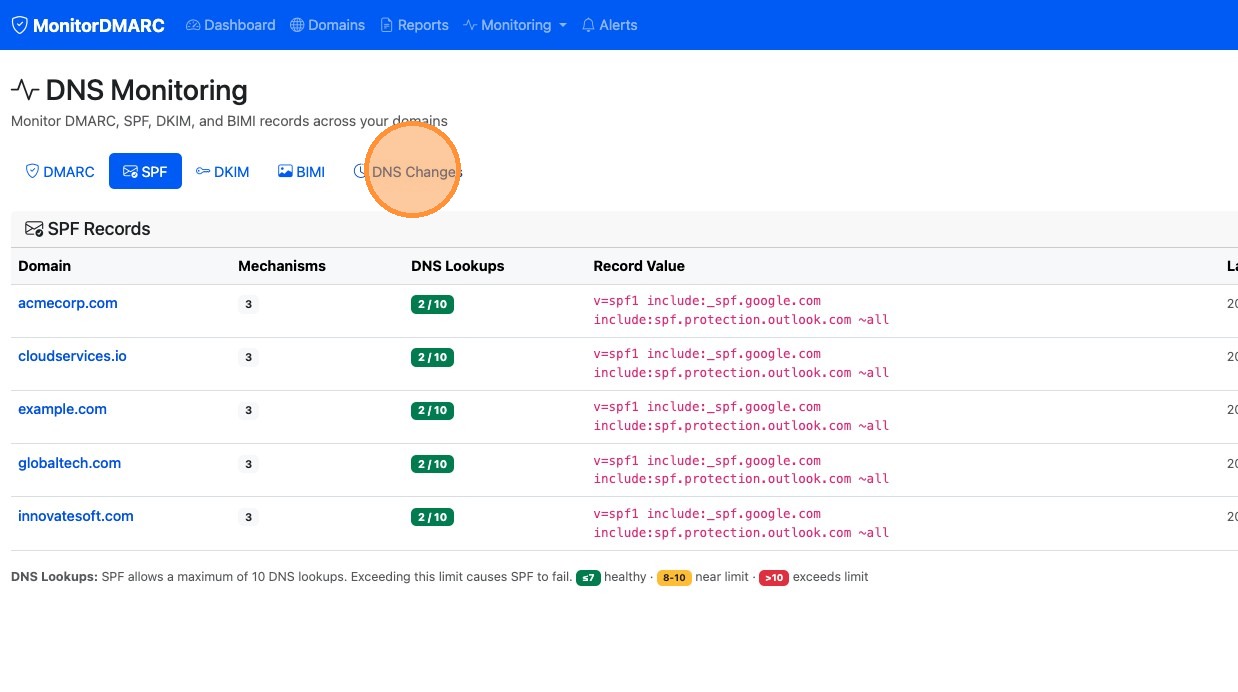
2. Here you can see what your current records are. If you click on the "DNS Changes" link. You will see all the DNS Changes that have take place for your DNS records.
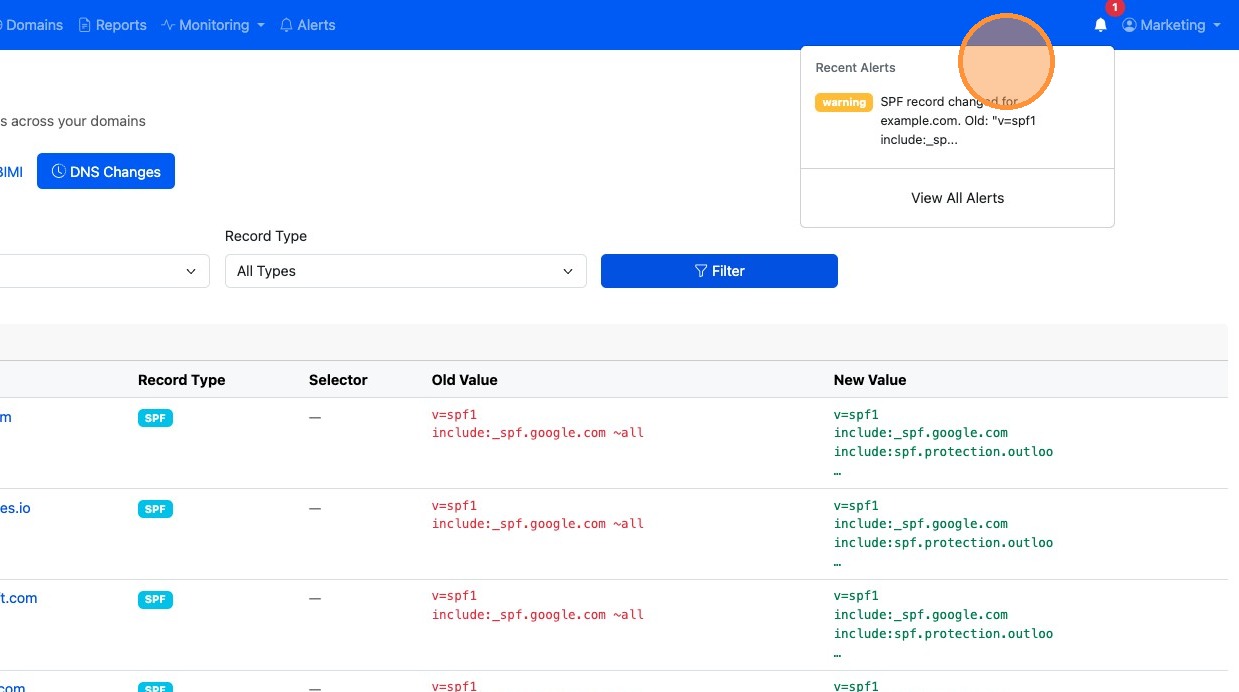
3. Anytime a DNS change takes place you will receive an email notification and an alert in your account. You can click on the notification bell to see your notifications.
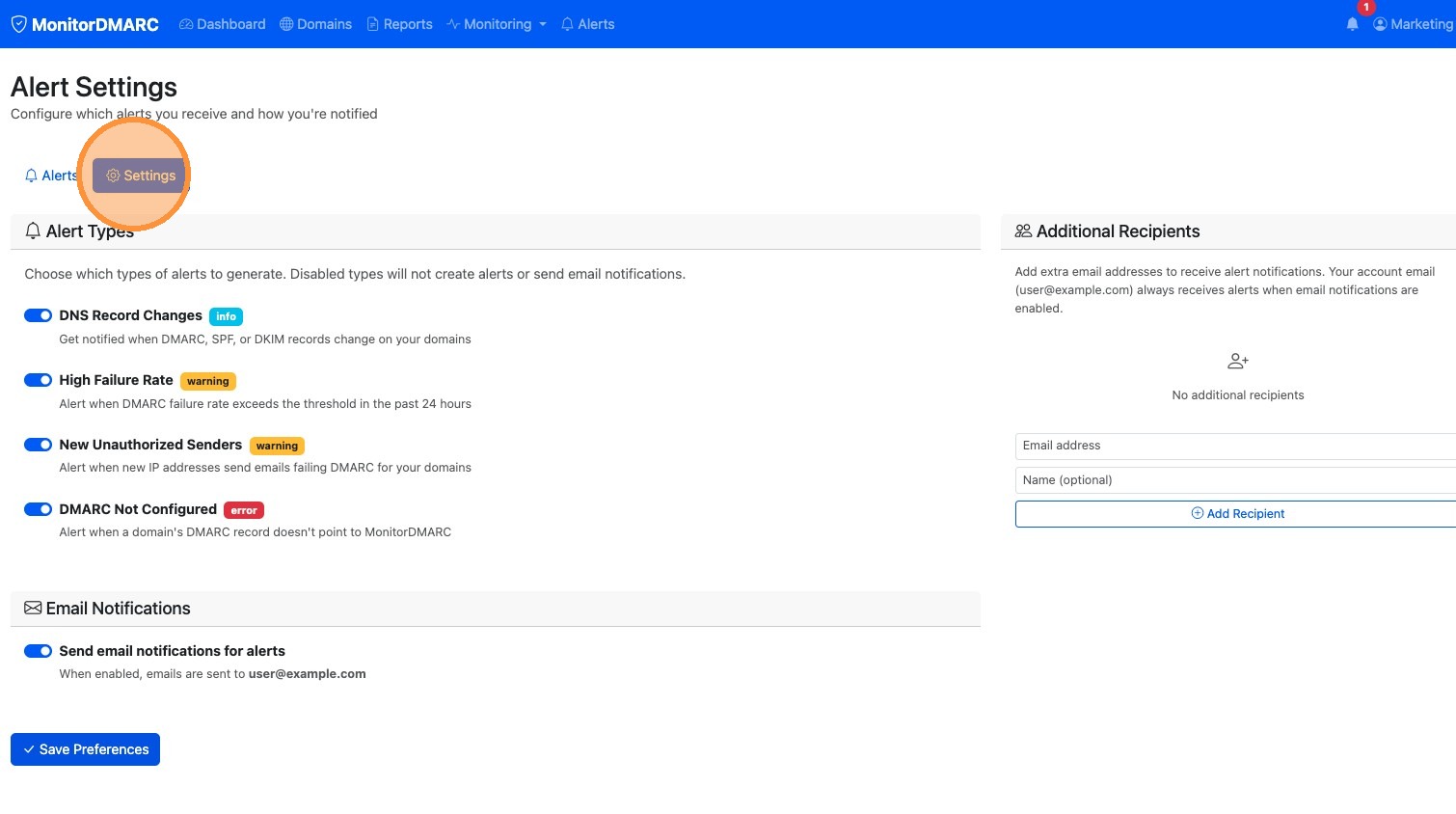
4. To configure your alerts click the "Alerts" link
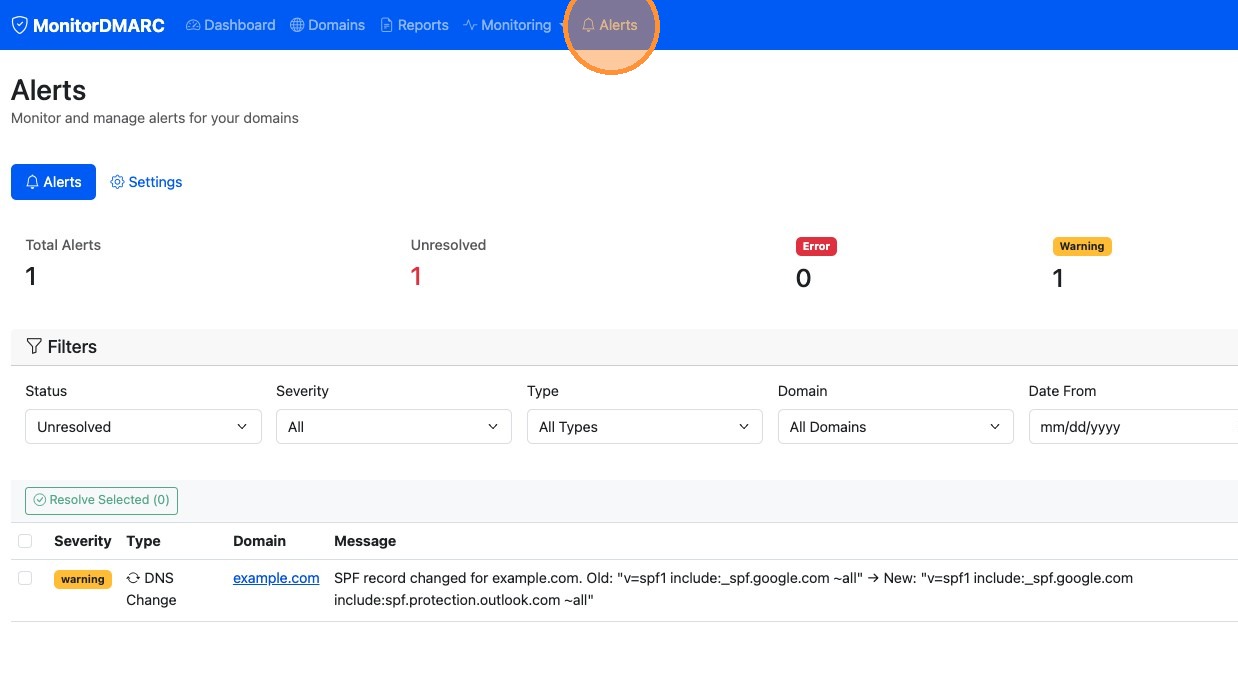
5. The click the "Settings" tab. From here you can configure what you want to be alerted on, you can turn off alerts and you can add additions recipients to also receive alerts.